Facebook Reels Guide
How to Download Facebook Reels in HD on iPhone, Android and PC
Learn how to save a supported public Facebook Reel as a video file, what determines its available quality and where the downloaded file normally goes on iPhone, Android, Windows and Mac.
Quick answer
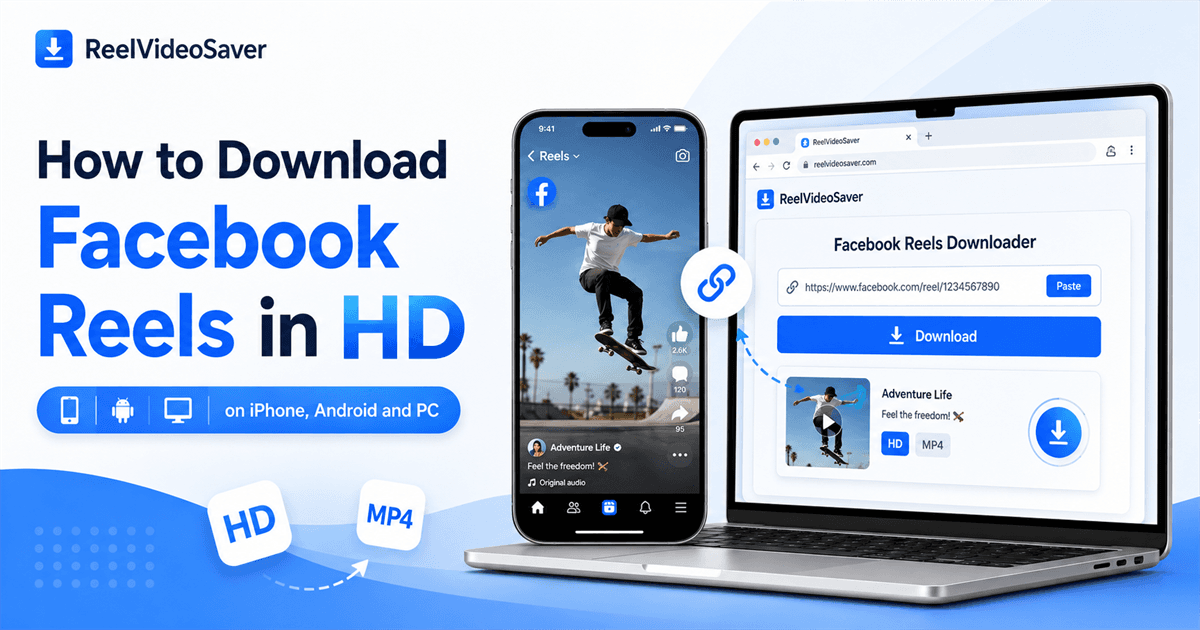
For a supported public Facebook Reel, copy the Reel's link, paste it into the ReelVideoSaver Facebook Reels Downloader, process the URL and select the available video download. The quality you receive depends on the source media available for that Reel.
Facebook Reels are short-form videos designed primarily for quick viewing and sharing. There are situations where keeping a local copy is useful, such as backing up your own content, viewing authorized material offline or transferring a video you have permission to save.
This guide explains the practical difference between saving a Reel inside Facebook and downloading a video file. It also covers the quality limitations that matter when someone searches for an "HD" Facebook Reel downloader.
Saving a Facebook Reel versus downloading it
Facebook's in-platform Save feature and a downloaded video file serve different purposes. Saving a Reel keeps it available through the platform for later viewing, while downloading creates a media file that your browser or device can store locally.
A local file can be useful when you are keeping an authorized backup or need to access your own content without returning to the platform. It should not be treated as permission to redistribute someone else's work.
How to copy a Facebook Reel link
Open the specific Reel in Facebook and use the Share option. Choose Copy link when it is available. The important part is that the copied address identifies the Reel itself.
If you are using Facebook on a computer, you can also copy the address from the browser when the current page clearly represents the individual Reel. Avoid submitting a Facebook homepage, profile page, search-results page or unrelated feed URL.
How to download a Facebook Reel
Once you have the Reel URL, the basic workflow is the same on most modern phones and computers.
- 1
Copy the Reel URL
Open the Facebook Reel you want to save and use Facebook's Share option to copy its link. The URL should identify the specific Reel rather than a profile, search page or general Facebook feed.
- 2
Open the Facebook Reels Downloader
Open ReelVideoSaver's Facebook Reels Downloader in your browser. The workflow is designed around the public Reel URL, so you do not need to provide your Facebook password.
- 3
Paste the public Reel link
Paste the copied URL into the downloader and start processing. The tool checks whether the public media can be processed and prepares the compatible source that is available.
- 4
Choose the available download
When a supported result is available, review it and select the download option. The resulting video is saved through your browser using its normal download behavior.
Try the Facebook Reels Downloader
Use the dedicated downloader for a supported public Reel when you want a local video file.
Open Facebook Reels DownloaderHow to download Facebook Reels on iPhone
On iPhone, open the Reel in Facebook and copy its link. Open Safari and go to the Facebook Reels Downloader. Paste the link, process it and select the available download.
Safari normally makes downloaded files available through its Downloads location and the Files app. Depending on your Safari settings, downloads can be stored in iCloud Drive or on the device.
Where to check: Safari Downloads or the Files app's Downloads folder.
How to download Facebook Reels on Android
Open the public Reel in Facebook, copy its link and launch Chrome or another modern browser. Open ReelVideoSaver's Facebook Reels Downloader, paste the URL and select the available result.
Android devices normally place browser downloads in a Downloads folder. Depending on the phone, you may access that folder through Files, My Files, File Manager or the browser's download history.
How to download Facebook Reels on Windows or Mac
On a computer, open the individual Reel in your browser and copy its complete URL. Paste that address into the Facebook Reels Downloader and process it.
After a compatible result is available, select the download option. Most desktop browsers save the resulting file in Downloads unless you have configured another location.
Important: A Facebook profile, homepage or search page is not the same as the URL of the individual Reel. Use the specific Reel address.
What "HD" means for Facebook Reels
"HD" is often used loosely when people search for a high-quality Reel downloader. In practice, the important question is which source version is actually available for that particular video.
Facebook may deliver different media versions depending on the original upload and how the platform processes it. Resolution, compression, frame rate and file size can therefore vary from one Reel to another.
ReelVideoSaver cannot create image detail that does not exist in the source. If the original media is low resolution or heavily compressed, changing the dimensions of the downloaded file would not make it genuinely sharper.
When a higher-quality compatible source is available, choosing that version can provide a clearer result. Higher-quality files can also be considerably larger, so storage space and mobile data usage are worth considering.
Where are downloaded Facebook Reels saved?
iPhone / iPad
Safari Downloads or the Files app
Android
Downloads folder or browser download history
Windows
Downloads folder unless another location was selected
Mac
Downloads folder unless the browser uses a custom location
Why a Facebook Reel may not download
A valid-looking Facebook URL does not necessarily mean the underlying media is publicly accessible. If processing fails, check the access status of the Reel first.
The Reel is private or requires account access.
The Reel has been deleted, restricted or otherwise made unavailable.
The copied URL does not identify the individual Reel.
The Reel belongs to a private group or another restricted area.
A browser extension, privacy filter or network setting is interfering with processing.
Facebook has temporarily changed how the public Reel media is delivered.
A useful first check is to open the Reel's URL in a private or incognito browser window. If the Reel cannot be viewed there without special account access, it may not be publicly accessible.
If the Reel is public, copy the link again directly from Facebook and retry. Temporary changes to the platform or your network can also affect processing.
Public versus private Facebook Reels
Public visibility and personal access are not always the same thing. You may be able to view a Reel while signed into Facebook even though an unauthenticated visitor cannot access it.
ReelVideoSaver is intended for supported publicly accessible media. It does not bypass privacy settings, friend-only access, private groups, login requirements or other Facebook restrictions.
Downloading responsibly
Do not share your password
The downloader works from the public Reel URL and does not require your Facebook username or password.
Use the specific Reel URL
Submit the individual public Reel address rather than a profile, search page or unrelated Facebook link.
Keep authorized copies
Download your own videos, permitted material or content you otherwise have the right to save.
Check rights before reuse
Downloading a public Reel does not automatically give you permission to repost, edit, sell or monetize it.
Frequently asked questions
Can I download every Facebook Reel?
No. The Reel needs to be publicly accessible and supported by the downloader. Private, deleted, restricted, login-only or otherwise unavailable Reels may not be processable.
Does downloading a Reel give me an HD version?
The available quality depends on the source media provided for that Reel. If a higher-quality compatible source is available, it can be downloaded, but a low-resolution original cannot be turned into genuine HD simply by enlarging it.
Does ReelVideoSaver need my Facebook password?
No. ReelVideoSaver is designed to process the public Facebook Reel URL you submit and does not require your Facebook username or password.
How do I download a Facebook Reel on iPhone?
Copy the public Reel link from Facebook, open the Facebook Reels Downloader in Safari, paste the URL and select the available download. Safari normally makes downloaded files available through its Downloads area and the Files app.
How do I download Facebook Reels on Android?
Copy the Reel link in Facebook, open ReelVideoSaver in Chrome or another modern browser, paste the URL and choose the available download. The file will normally appear in your browser's Downloads area.
Where is the downloaded Reel saved on a computer?
Chrome, Edge, Safari and other desktop browsers normally save downloaded files in the Downloads folder unless you have selected a different destination.
Can I download a private Facebook Reel?
No. ReelVideoSaver does not bypass Facebook privacy settings, private groups, login requirements or other access controls.
Why does a Facebook Reel sometimes fail to download?
The Reel may not be publicly accessible, it may have been removed or restricted, the copied URL may not identify the Reel correctly, or Facebook may have changed how the public media is delivered. Browser extensions and network settings can also interfere with processing.
Can I repost a downloaded Facebook Reel?
Only if you own the content, have permission or otherwise have the necessary rights. Public visibility does not automatically give permission to copy, edit, redistribute or monetize another person's work.
Related ReelVideoSaver tools and guides
Facebook Reels Downloader
Process supported public Facebook Reel links and save the available video source.
Facebook Video Downloader
Learn about downloading supported standard Facebook video posts.
Facebook Audio Downloader
Learn how available audio can be extracted from supported public Facebook media.
Download Instagram Reels in HD
Compare the practical workflow for supported public Instagram Reels.